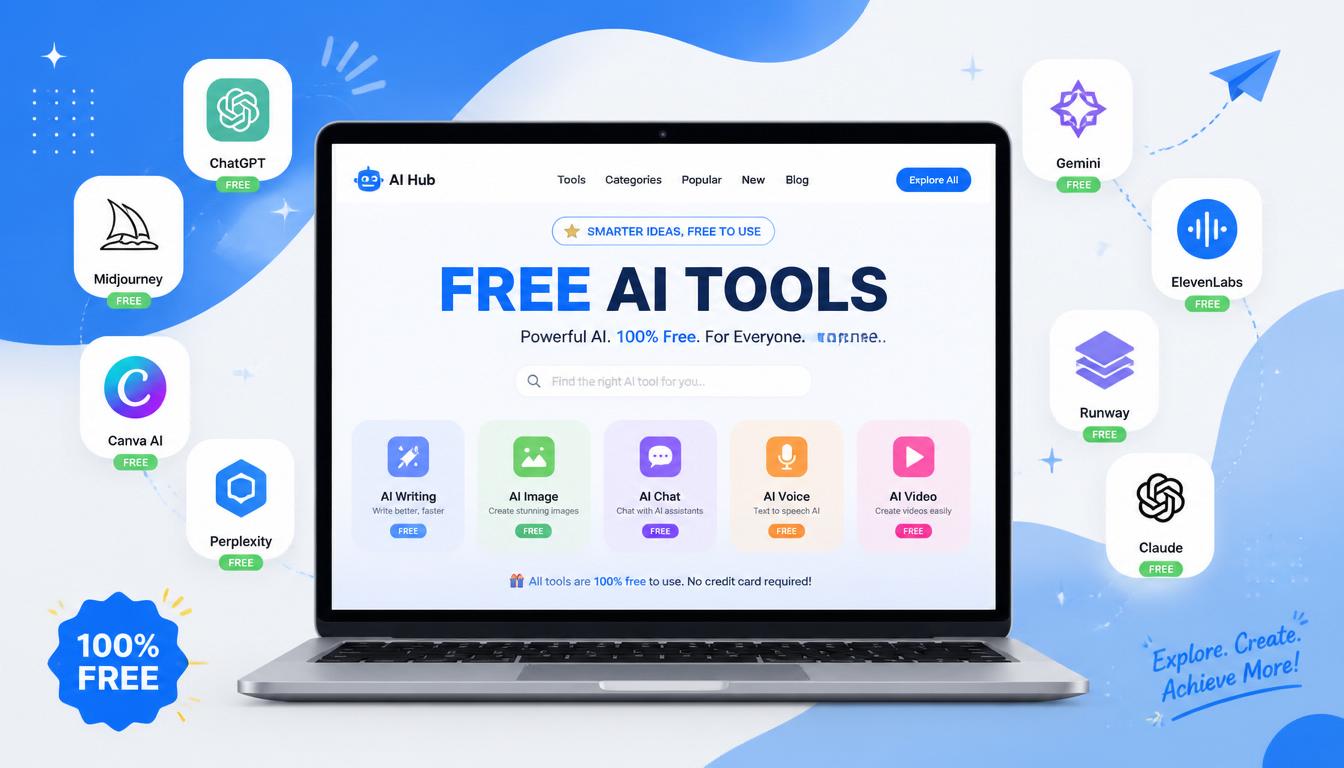
Most “best AI tools for freelancers” articles are written by people earning affiliate commissions on paid subscriptions. That is why every list pushes you toward $20 to $50 per month tools before you have even landed your first client.
Let me give you the honest version. You do not need to pay for any AI tool to start freelancing in 2026. The free tiers of the right tools are genuinely powerful enough to land your first 5 clients, deliver excellent work, and build a real income. I have helped many beginners set up entirely free AI stacks. They work.
This guide covers 10 free AI tools for freelancers that require no credit card to sign up and have permanent free tiers (not 7 day trials that secretly auto-charge you). Each tool solves a specific problem real beginner freelancers run into. Skip the paid tools until you actually need them.

Why “Free” Matters When You Are Just Starting Out
When you are 6 months into freelancing earning $2000+ per month, paying $20 for ChatGPT Plus is a no-brainer. When you are starting out with zero income, the math is different.
Most beginners get burned by the same trap. They sign up for 5 to 10 “free trials” to test AI tools, forget to cancel, and end up with $80 to $150 in surprise charges within a month. They have not earned a single dollar yet, but they are already losing money to their own toolkit.
The right approach: build your entire freelance workflow on permanent free tiers first. Get to your first paying clients. THEN add paid tools strategically when free limits genuinely block your work. Not before.
Every tool below works with no credit card. No free trial expiring. No surprise charges. You can build a complete freelance AI stack today for zero dollars.
The 10 Best Free AI Tools for Freelancers
These are organized by use case. Pick the ones that match the freelance services you offer. You do not need all 10.
1. ChatGPT (Free Plan)
What it does: General-purpose AI assistant. Writes emails, drafts proposals, brainstorms ideas, explains complex topics, helps with planning.
Why beginners need it: This is the swiss army knife of free AI tools for freelancers. One account handles 70% of your AI needs. If you only pick ONE tool from this entire list, pick this one.
Free tier honest reality:
- Access to GPT-4o mini (and occasionally full GPT-4o)
- Unlimited messages most days (some hourly limits during peak times)
- File uploads work on free tier
- Web browsing works on free tier
- No credit card required to sign up
Best uses for freelancers:
- Drafting client proposals (read our ChatGPT freelance proposals guide for the exact prompts)
- Writing invoice content and payment reminders
- Brainstorming pricing strategies
- Translating client briefs into action items
- Explaining technical things in simpler language
When to upgrade: Only when you hit daily message limits multiple times per week. For most beginners, that takes 3 to 6 months.
Quick note on portfolios: while Notion sites work as a starting point, a real freelance portfolio website with AI is now possible to build in under 2 hours. The freelance portfolio website with AI guide walks through Framer, Webflow, and the exact prompts that turn a blank page into a converting portfolio.
Sign up at: chat.openai.com
2. Claude (Free Plan)
What it does: Anthropic’s AI assistant. Stronger than ChatGPT for writing, tone matching, and handling long documents.
Why beginners need it: Different strengths than ChatGPT. Better at matching your voice, holding context across long conversations, and producing writing that does not sound AI-generated.
Free tier honest reality:
- Access to Claude Sonnet 4.6 (mid-tier model)
- Daily message limits (resets every few hours)
- 200K token context window even on free tier
- File and document uploads work
- No credit card to sign up
Best uses for freelancers:
- Writing blog posts and articles for clients
- Drafting long client emails and follow-ups
- Analyzing client briefs and feedback
- Editing existing work
- Voice matching your own writing style
When to upgrade: When you hit daily message limits regularly. The $20/month Pro tier also unlocks Projects (saved prompts and context) which is useful at scale.
Sign up at: claude.ai
Pro tip: Use both ChatGPT AND Claude. They have different strengths. ChatGPT for speed and casual tasks, Claude for serious writing and long documents. Both being free means there is no reason not to.
3. Canva (Free Plan)
What it does: Design platform with AI features built in. Create graphics, presentations, social posts, logos, and invoices.
Why beginners need it: Even if design is not your service, you still need to create thumbnails, simple graphics, client presentations, and visual materials. Canva makes this possible without design skills.
Free tier honest reality:
- Thousands of free templates
- AI Magic Design (limited free generations per month)
- AI image generation (limited credits)
- Free background remover (limited uses per month)
- Some premium templates locked behind Pro
- No credit card needed
Best uses for freelancers:
- Designing professional invoices that match your brand
- Creating client presentation decks
- Making social media graphics to promote your services
- Designing simple logos for your freelance business
- Creating before/after comparison graphics for portfolios
When to upgrade: When you need premium templates regularly or unlimited background removals. Canva Pro at $15/month is worth it after you have 5+ regular clients.
Sign up at: canva.com
4. Grammarly (Free Plan)
What it does: Real-time grammar, spelling, and clarity checking. Works in your browser, Google Docs, email, and most writing apps.
Why beginners need it: A typo in a client proposal can lose you the job. Grammarly catches errors you miss. Free tier handles 90% of what most freelancers need.
Free tier honest reality:
- Grammar and spelling checks (unlimited)
- Basic clarity suggestions
- Tone detection
- Works across browsers and apps
- Paid tier adds advanced suggestions, rewrites, and plagiarism check
- No credit card to sign up
Best uses for freelancers:
- Final check on every client email before sending
- Proofreading client deliverables
- Catching tone issues in important messages
- Improving readability of long documents
When to upgrade: When you do high-stakes writing where plagiarism checks matter (academic, journalism). Otherwise free tier is enough for years.
Sign up at: grammarly.com
5. Notion (Free Plan)
What it does: All-in-one workspace for notes, tasks, databases, and project tracking. Has built-in AI features.
Why beginners need it: You need a place to track clients, deadlines, ideas, and notes. Notion is the best free option. Tools like Trello and Asana also have free tiers but Notion is more flexible for solo freelancers.
Free tier honest reality:
- Unlimited blocks for personal use
- Unlimited pages and databases
- File uploads up to 5MB per file
- AI features are paid add-on ($10/month) but the base tool is genuinely free
- No credit card required
Best uses for freelancers:
- Client dashboard tracking deliverables across projects
- Notes from client calls
- Saving AI prompts you reuse weekly
- Building a portfolio page (free Notion sites included)
- Personal CRM tracking leads and prospects
When to upgrade: Only when you start collaborating with other people on shared workspaces. Solo freelancers can use Notion free forever.
Sign up at: notion.so

6. Perplexity (Free Plan)
What it does: AI search engine that gives cited answers from real web sources. Better than Google for research.
Why beginners need it: Research is part of every freelance project. Perplexity saves you 20+ minutes per research task by giving you the answer with sources instead of making you read 10 articles.
Free tier honest reality:
- Unlimited basic searches
- 5 Pro searches per day (using better AI model)
- Citations from real sources
- File uploads on free tier (limited)
- No credit card to sign up
Best uses for freelancers:
- Researching new niches and industries for clients
- Fact-checking content you write
- Finding stats and data for client deliverables
- Quick competitor analysis
- Learning new tools or platforms fast
When to upgrade: Only if you do heavy research work daily. Most freelancers do not need Pro.
Sign up at: perplexity.ai
7. Otter.ai (Free Plan)
What it does: AI transcription for meetings and audio. Records and transcribes client calls in real time.
Why beginners need it: Client calls produce action items and decisions that you WILL forget. Otter captures everything so nothing slips. Stronger memory means stronger client relationships.
Free tier honest reality:
- 300 transcription minutes per month
- 30 minutes per conversation max
- Real-time transcription during meetings
- Searchable transcript archive
- No credit card required
Best uses for freelancers:
- Recording all client calls (with permission)
- Generating call summaries automatically
- Searching past conversations for what was promised
- Creating meeting notes for invoicing purposes
- Capturing brief discussions when clients explain projects
When to upgrade: When you do more than 5 client calls per week. Otherwise 300 minutes is plenty.
Sign up at: otter.ai
8. Copy.ai (Free Plan)
What it does: AI copywriting tool focused on marketing content. Generates ad copy, email subject lines, product descriptions.
Why beginners need it: If your freelance service involves any kind of marketing copy (social posts, emails, ads, descriptions), Copy.ai produces faster results than general AI for these specific formats.
Free tier honest reality:
- 2,000 words per month on free tier
- Access to 90+ templates
- Brand voice features
- No credit card to sign up
Best uses for freelancers:
- Writing variations of email subject lines
- Generating social media post hooks
- Creating ad copy variations for client testing
- Drafting product descriptions for ecommerce clients
- Writing LinkedIn post intros
When to upgrade: When 2,000 words per month is not enough. For most beginners, that’s plenty. ChatGPT free can handle similar tasks if you hit the limit.
Sign up at: copy.ai
9. Wave (Free Forever)
What it does: Free invoicing and basic accounting software. Send professional invoices, track payments, get reminders.
Why beginners need it: You need a way to send invoices and track who has paid. Wave is genuinely free forever (they make money on payment processing fees, not subscriptions).
Free tier honest reality:
- Unlimited invoices (no limits)
- Unlimited estimates
- Basic accounting and reports
- Receipt scanning included
- Payment processing fees apply ONLY if you accept cards/bank through Wave (you can use other methods like Wise/PayPal externally and pay $0)
- No credit card to sign up
Best uses for freelancers:
- Sending your first professional invoices
- Tracking which clients have paid
- Automatic payment reminders
- Year-end accounting summaries for taxes
- Looking professional from day one
When to upgrade: Wave’s paid tier ($16/month) only adds advanced accounting features most beginners do not need. Pair Wave with ChatGPT for invoice content (read our ChatGPT for freelance invoicing guide for the exact prompts).
Sign up at: waveapps.com
10. NotebookLM (Free, by Google)
What it does: Upload up to 50 documents and have AI conversations with them. Like ChatGPT but it only answers from sources you provide.
Why beginners need it: When clients send you 20 pages of brand guidelines, 3 case studies, and a 50-slide deck, NotebookLM lets you ask questions across all of it instead of reading everything manually.
Free tier honest reality:
- Completely free (no paid tier exists)
- Upload up to 50 sources per notebook
- Generates podcast-style audio summaries of your documents
- Cites which document each answer came from
- No credit card ever (it is a Google product)
Best uses for freelancers:
- Onboarding to new clients with large brand documents
- Researching topics across multiple PDFs at once
- Finding specific quotes or stats in long reports
- Creating audio summaries of long briefs to listen to
- Studying competitor materials clients send you
When to upgrade: Cannot. NotebookLM is just free. Use it as much as you want.
Sign up at: notebooklm.google.com
How To Combine These Free AI Tools Into A Workflow
Having 10 free tools is useless if you do not connect them into actual workflows. Here are 3 beginner-friendly stacks that cover most freelance situations.
If you are still figuring out which freelance service to offer in the first place, the AI side hustles for freelancers breakdown covers 9 proven income streams you can launch this weekend using only the free tools in this guide.
The Writer Stack (Content Creator, Copywriter, Blogger)
- ChatGPT free for brainstorming and outlines
- Claude free for actual writing (better tone)
- Grammarly free for final proofreading
- Notion free for tracking projects and saving prompts
- Wave free for sending invoices
Total cost: $0/month. Handles 90% of beginner writing freelance work.
The Designer/Marketer Stack
- ChatGPT free for copy and ideas
- Canva free for visual design
- Copy.ai free for marketing copy variations
- Notion free for client tracking
- Wave free for invoicing
Total cost: $0/month. Enough for first 5 to 10 design or marketing clients.
The Consultant/Coach Stack
- Claude free for client analysis and strategy docs
- Otter free for transcribing every client call
- NotebookLM free for analyzing client documents
- Perplexity free for research
- Notion free for client CRM
- Wave free for invoicing
Total cost: $0/month. Powerful enough for service-based freelance work.
When To Actually Start Paying For AI Tools
This is the question nobody answers honestly. Most “AI tools for freelancers” articles want you to pay for everything immediately.
Here is the real answer.
Stay 100% free until:
- You have earned at least $500 from freelance clients
- You hit free tier limits at least 3 times per week
- A paid feature would directly help you complete client work faster
First paid upgrade most freelancers actually need: ChatGPT Plus or Claude Pro at $20/month. This unlocks higher limits and gives you priority access during peak times. Pay for ONE of these, not both.
Second paid upgrade (if applicable): Canva Pro at $15/month, but only if design work is core to your service. Otherwise skip.
Skip entirely until you are 6+ months in:
- Notion AI add-on ($10/month) – use Claude separately instead
- Most other “premium” AI tools
- Anything advertised through affiliate links by people earning commissions
Common Mistakes Beginners Make With Free AI Tools
After helping many freelancers start out, these are the patterns that waste time.
Mistake 1: Signing Up For Everything At Once
Pick 2 or 3 tools that match your services. Master them. Add more only when you genuinely hit limits. Trying to use 10 tools simultaneously leads to using none of them well.
Mistake 2: Treating Free Tools As “Lower Quality”
The free tier of ChatGPT in 2026 is more powerful than the paid tier was in 2023. Free tools today produce client-ready output. Stop assuming paid means better.
Mistake 3: Forgetting To Save Workflows
Every time you find a great prompt or workflow, save it in Notion. Otherwise you re-invent the same prompt every week. Free Notion is built exactly for this.
Mistake 4: Not Tracking What Free Limits You Hit
Keep a note of when you actually hit free tier limits. Most beginners THINK they need paid plans but have never actually maxed out a free one. Track for one month before upgrading anything.
Mistake 5: Using AI Without Reviewing
Free or paid, AI output needs human review before going to clients. Free tools are not the problem when AI produces something wrong. The problem is sending unreviewed AI output. Always check.
FAQ
Are these AI tools really free with no credit card?
Yes. Every tool in this guide has a permanent free tier that requires no credit card to sign up. Some have paid upgrades available, but you can use the free versions forever without paying or being asked for payment details.
Which free AI tool is best for total beginners?
ChatGPT free is the strongest single tool for total beginners. One account handles writing, brainstorming, planning, and research. If you only pick one free AI tool for freelancers to start with, pick this one. Add others as specific needs emerge.
How long can a freelancer really stay on free AI tools?
Most beginner freelancers can stay 100% on free AI tools for at least the first 6 months. By that point, you should have real client income and a clear picture of which paid features would actually help. Some freelancers stay on free tiers for years successfully.
Will clients notice if I use free AI tools instead of paid?
No. Clients judge your deliverables, not your toolkit. A well-edited piece written with free ChatGPT looks identical to one written with ChatGPT Plus. The output quality difference between free and paid AI tiers in 2026 is small for most tasks.
Can I really run a freelance business with $0 in software costs?
Yes, especially when starting out. The free AI tools for freelancers in this guide cover writing, design, research, project management, invoicing, and client communication. That is everything you need. Most successful freelancers I know started entirely free and only added paid tools after their first $1000 in earnings.
What about free trials versus free forever tools?
Always pick free forever over free trials. Free trials trick you into entering credit card details and forgetting to cancel. The 10 tools in this guide all have permanent free tiers (not trials) so this is not a risk.
Final Thought
The biggest barrier to freelancing in 2026 is not tools. It is action. Most beginners spend weeks researching the ‘perfect’ AI stack and never actually pitch a client. If landing that first paying client is your real bottleneck, the step-by-step guide on how to land your first freelance client using AI walks through the exact 4 to 8 week playbook beginners use in 2026.
The free AI tools for freelancers in this guide are more than enough to start. Pick 2 or 3 that match what you offer. Sign up tonight. Get to your first client this month using them. Then expand your stack based on real needs, not articles you read.
Zero dollars in tools, zero excuses. The only thing stopping you from starting is starting.
Want to keep building your AI freelance toolkit? Read How to Use ChatGPT for Freelance Proposals That Actually Get Replies, 7 Claude Prompts Every Freelance Writer Should Save, and AI for Freelance Client Management for workflows that turn these free tools into real income.