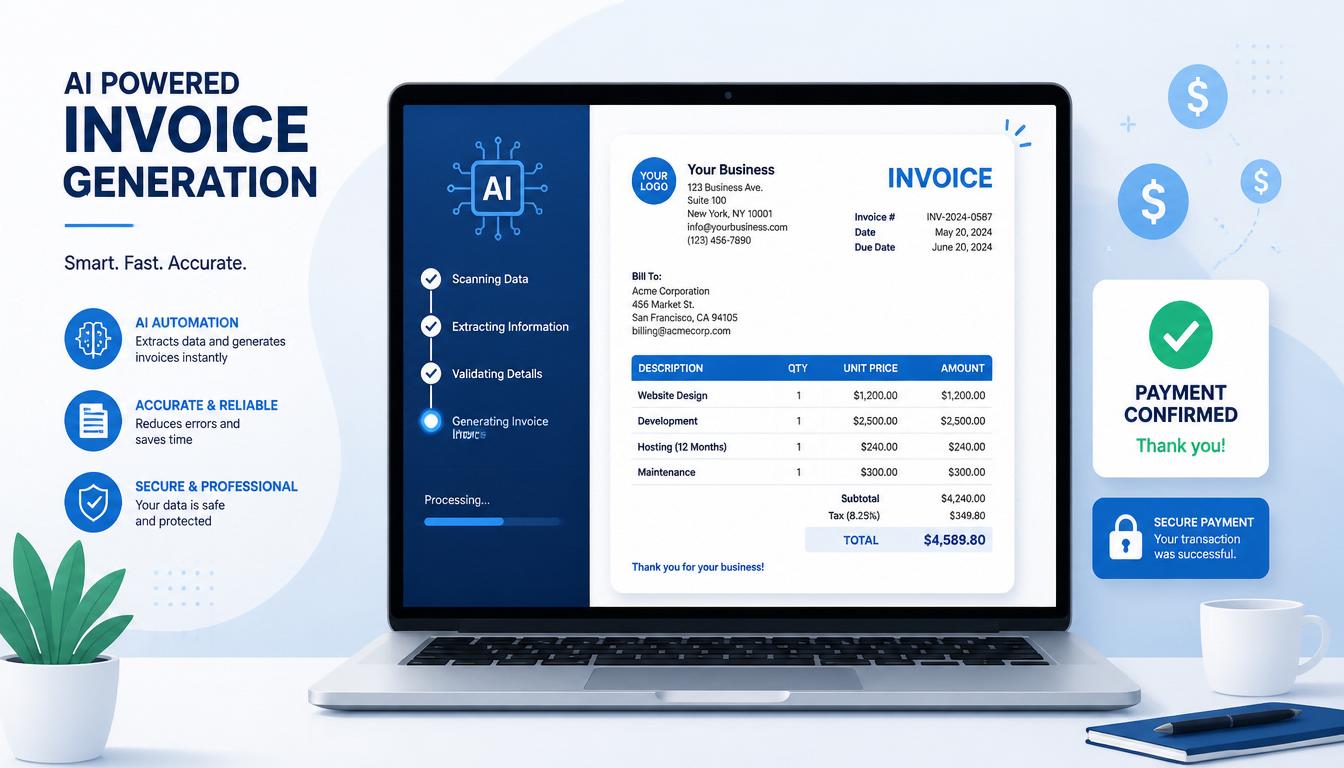
If you have been freelancing for more than a few months, you already know the truth. The actual work is not the hard part. The hard part is the stuff nobody talks about on YouTube. Writing invoices that look professional. Chasing clients who forgot to pay. Drafting that polite but firm reminder email when an invoice is 14 days late. Sitting down on a Sunday night trying to remember whether you billed that one client for the extra hours.
Most freelancers spend somewhere between 3 and 5 hours every single week on invoicing, follow ups, and payment chasing. That is a part time job hiding inside your business. And the brutal part is that none of it pays. You only get paid for the design work, the copywriting, the development, the editing. Not the admin.
That is exactly where ChatGPT comes in. Used the right way, ChatGPT for freelance invoicing can collapse those 5 hours down to about 30 minutes a week. Not by replacing your judgment, but by writing the boring parts at the speed of typing.
This guide walks you through the full freelance invoicing workflow using ChatGPT. Creating the invoice. Sending it professionally. Writing the follow up reminder. Handling the awkward late payment chase. With actual copy-paste prompts that work in 2026.
Why Most Freelancers Hate Invoicing (and Why That Is Costing You)
A 2026 survey from the Freelancers Union found something painful. 71% of freelancers have struggled to get paid on time at some point in their career. The average amount stuck in unpaid invoices at any given moment? Around $6,000.
That is not because freelancers are bad at their craft. It is because most of us treat invoicing as an afterthought. You finish the project, panic about wording the invoice correctly, send something a bit messy, then hope for the best. When payment is late, you put off the reminder because the email feels awkward to write.
This is exactly the kind of task ChatGPT was built for. Not the creative work that defines your brand. The repetitive admin work that drains your time without making you any money.
The freelancers who quietly out-earn everyone else in 2026 are not necessarily more talented. They have just stopped wasting 4 hours a week on the invoicing problem. Every hour you save on admin is an hour you can spend on billable work, finding new clients, or honestly just resting.
What ChatGPT Can and Cannot Do for Your Invoicing
Let me be honest before we go further about ChatGPT for freelance invoicing, because I have seen too many freelancers expect magic and walk away frustrated.
What ChatGPT can do brilliantly:
- Generate clean, professional invoice templates in seconds
- Write polite payment reminder emails in your tone
- Draft the awkward late payment chase email
- Create custom invoices for different services or clients
- Suggest payment terms and clauses you might have missed
- Translate invoice templates into other languages for international clients
What ChatGPT cannot do:
- Send the invoice for you (you still need an email or invoice tool)
- Process the payment itself
- Replace proper accounting or tax filing
- Know your actual rates or services unless you tell it
- Guarantee that clients will pay on time
Once you understand the boundary, the workflow becomes very clear. ChatGPT writes everything. You review, customize, send, and follow up. The total time per invoice drops from around 25 minutes to under 5.
The Complete ChatGPT Invoice Template (Copy and Paste)
This is the master prompt. Save it somewhere you can find it. Every time you need to create a freelance invoice, paste this in and just fill the bracketed fields.
You are an expert freelance accountant. Create a professional freelance
invoice for me using the details below. Format it cleanly so it can be
copied directly into Google Docs or converted to a PDF.

My business name: [Your business name or your full name]
My address: [Your address or just city and country]
My email: [Your email]
My phone (optional): [Your phone number or leave blank]

Client name: [Client business name]
Client contact person: [Person you worked with]
Client email: [Client email]
Client address (if known): [Their address]

Invoice number: [Use format INV-YYYY-001, increment by one each time]
Invoice date: [Today's date]
Due date: [Date 14 or 30 days from now]

Services provided:
1. [Service description, hours or quantity, rate per unit, total]
2. [Repeat for each line item]

Subtotal: [Add all line items]
Tax (if applicable): [Tax amount or leave 0]
Total amount due: [Final total]

Payment methods I accept: [Bank transfer, PayPal, Wise, Stripe, etc]
Payment terms: Net 14 days from invoice date
Late fee policy: 5% added per week after due date

Include a polite thank you note at the bottom. Keep the tone professional
but warm. Format with clear sections and use a clean layout.
That single prompt produces a complete, professional freelance invoice that looks like it came from an accountant. Run it once, copy the output into Google Docs or Word, save it as a PDF, and send.
If you want the invoice to look fancier, paste the output into a free tool like Canva, Conta, or Invoice Ninja and apply a template. The text content from ChatGPT is the hard part. The visual styling takes 2 minutes once the content is done.
7 ChatGPT Invoice Prompts Every Freelancer Should Save
The master prompt above handles 80% of cases. But sometimes you need something more specific. Here are 7 ChatGPT invoice prompts for different freelance situations. Each one is designed to work standalone.
These 7 ChatGPT for freelance invoicing prompts handle every situation a working freelancer will run into.
Prompt 1: The First Invoice to a New Client
You are an expert freelancer. Write a friendly but professional first
invoice email to a new client. The invoice is attached.

Client name: [Name]
Project completed: [Brief description]
Total amount: [Amount]
Due date: [Date]

The email should thank them for the project, briefly recap what was
delivered, confirm the total, and clearly state the payment terms.
Keep it under 120 words. Warm tone but not casual.
Prompt 2: The Recurring Monthly Invoice
Create a recurring monthly invoice for ongoing work. I provide
[describe service] for [client name] at a flat monthly rate of [amount].

The invoice should:
- Reference that this is a monthly retainer
- Include the month being billed for
- Note that payment is due within 14 days
- Mention this is invoice number [number] in the ongoing arrangement
- Include a brief one line summary of what was covered this month

Format it as a clean professional invoice ready to send.
Prompt 3: The Milestone Invoice for Big Projects
I am invoicing a milestone payment for a larger project. Write the invoice.

Total project value: [Amount]
This milestone: [Which milestone, e.g. 50% deposit, milestone 2 of 4]
Amount due this invoice: [Amount]
Milestone deliverables completed: [What I delivered for this stage]

Make the invoice clear about what stage this represents and reference
the full project agreement. Include the next milestone date if possible.
Prompt 4: The Hourly Time-Based Invoice
Create an hourly freelance invoice with itemized time entries.

Hourly rate: [Rate]
Total hours this period: [Number]
Date range: [Start date] to [End date]
Client: [Client name]
Project: [Project name]

Time entries:
- [Date]: [Hours] hours on [Task description]
- [Repeat for each entry]

Calculate the subtotal, add any applicable tax, and present a clean
itemized invoice that shows exactly what each hour was spent on.
Prompt 5: The Expenses Plus Services Invoice
Write an invoice that combines my service fees and reimbursable expenses.

Service work completed: [Description], total fee [amount]
Reimbursable expenses:
- [Expense item]: [Amount]
- [Repeat for each expense]

Format the invoice with two clear sections: Services and Expenses.
Calculate the grand total. Include a note that expense receipts are
available upon request.
Prompt 6: The International Client Invoice
Create a freelance invoice for an international client.

My country: [Your country]
Client country: [Client country]
Invoice currency: [USD, EUR, GBP, etc]
Payment method preferred: [Wise, bank wire, PayPal]

Total amount: [Amount]
Service provided: [Brief description]
Project completion date: [Date]

Include a line about who covers wire transfer fees (typically the client),
include relevant tax notes for international invoicing, and use clean
international-friendly formatting without country-specific tax codes
unless I provide them.
Prompt 7: The Final Invoice With Closeout
Write a final project closeout invoice. The project is complete and
this is the last payment.

Client: [Name]
Final amount due: [Amount]
Project summary: [One line summary]
Deliverables completed: [List final deliverables]

The invoice should thank the client for the project, summarize what
was achieved, encourage them to reach out for future work, and include
a small line about being available for testimonials or referrals.
Professional but warm closeout tone.
Save all 7 prompts in a note app or document. Within a few weeks you will not need to look them up because the structure becomes second nature.
How to Use ChatGPT to Send Polite Payment Reminders
This is where ChatGPT becomes genuinely life changing. Most freelancers do not chase payments because writing the reminder email feels awkward. ChatGPT removes that friction.
Here is the prompt structure that works for almost any payment reminder situation.
The Universal Payment Reminder Prompt
You are an expert freelance copywriter. Write a payment reminder email
to a client.

Client name: [Name]
Invoice number: [Number]
Invoice amount: [Amount]
Original due date: [Date]
Days overdue: [Number]
Relationship history: [New client, ongoing client, past client]

Tone: Polite, friendly, but with a clear ask. Not aggressive. Not
apologetic. Professional. Under 100 words.

Include: A brief reminder of the invoice, the amount, the original
due date, a clear next step for them to pay, and a warm closing.
The output of this prompt is usually so good that you can send it after a 10 second review. Notice the key part is telling ChatGPT the tone explicitly. “Polite but firm. Not aggressive. Not apologetic.” Without that, AI tends to either grovel or sound robotic.
When to Send Payment Reminders
Based on what actually works for most freelancers in 2026, follow this schedule:
- 3 days before due date: Friendly reminder that payment is coming up
- 1 day after due date: Gentle nudge in case the client simply forgot
- 7 days overdue: Slightly firmer reminder mentioning the agreed terms
- 14 days overdue: Final reminder with late fee notice
- 30 days overdue: Different conversation, escalation needed
ChatGPT can write each of these for you in under a minute. The trick is to save each version as a numbered prompt so the tone shifts naturally with each step.
For freelancers ready to stop manually sending these reminders altogether, the AI agents for freelancers workflow includes a full Invoice and Payment Reminder Agent that chases overdue payments automatically without you writing another reminder email.
The Late Payment Email That Actually Works
When an invoice goes past 14 days overdue, the regular reminder is not enough. You need something firmer without burning the client relationship. This is where most freelancers freeze. ChatGPT for freelance invoicing is most useful exactly here, where most freelancers freeze. Use this prompt.
Write a firm but professional late payment email. The invoice is now
significantly overdue and previous reminders have been ignored.

Client name: [Name]
Invoice number: [Number]
Amount: [Amount]
Days overdue: [Number]
Previous reminders sent: [Number]

The email should:
- Reference all previous reminders sent
- Make it clear this matter needs resolution this week
- Mention any late fees per the original agreement
- Offer a way to discuss if there is a specific issue blocking payment
- Be firm but not threatening
- Stay under 150 words

End with a clear deadline for response.
The reason this works is that it gives the client a graceful exit. If there is a real problem on their end, they will respond. If they have just been ignoring you, the firmness usually gets them to act.
About 60% of late invoices get paid after this kind of email. The remaining 40% need a different conversation, usually involving your contract terms or a formal demand letter.
How to Train ChatGPT on Your Brand Voice for Invoices
The default ChatGPT tone is fine. But if you want your invoices and reminder emails to actually sound like you, spend 15 minutes doing this once.
Open a new chat with ChatGPT and paste this:
I want you to learn my writing voice for all freelance communications.
I am going to paste 3 examples of emails I have written to clients.
Read them carefully and identify my tone, vocabulary, common phrases,
sentence structure, and overall style.

Then summarize my voice in a way that you can apply to future emails
and invoices.

Here are my examples:

[Paste 3 real emails you have sent]
ChatGPT will give you a brand voice summary. Save it. Then for every future invoice or reminder, just add this line to your prompt:
“Use the brand voice I shared earlier in this chat.”
Or you can save the voice description and paste it at the start of any new chat as a persistent instruction. The result is invoices and emails that sound genuinely like you, not like generic AI output.
Common Mistakes Freelancers Make With AI Invoices
After helping many freelancers set up AI invoicing workflows, the same mistakes come up over and over. Avoid these.
Mistake 1: Sending the Invoice Without Reviewing It
ChatGPT is fast and accurate but it is not perfect. Always check the numbers, dates, and contact details. AI sometimes hallucinates an invoice number or gets a calculation slightly off. Spend 30 seconds reviewing before you hit send.
Mistake 2: Using the Same Tone for Every Client
A friendly tone that works for a startup client will feel weird to a corporate legal department. Tell ChatGPT what kind of client you are writing to. “Casual startup tone” vs “formal corporate tone” produces very different results.
Mistake 3: Forgetting to Set Payment Terms in the Original Contract
ChatGPT can generate a beautiful invoice with Net 14 terms, but if your contract says Net 30, you are creating confusion. Make sure your invoice terms match your original agreement. If you are still figuring out what to charge in the first place, the ChatGPT for freelance pricing guide breaks down the exact prompts for setting and raising your rates.
Mistake 4: Skipping the Late Fee Clause
If you do not include a late fee clause in your invoice and contract, you have no leverage when a client pays 60 days late. Add a 5% late fee per week to every invoice. ChatGPT can handle this language perfectly.
Mistake 5: Not Saving Your Prompts
The biggest mistake is using ChatGPT once, getting a great invoice, then re-typing the entire prompt next month. Save every prompt that works. Build a personal library. Each invoice should take 90 seconds, not 15 minutes.
Tools to Pair With ChatGPT for Invoice Automation
ChatGPT writes the content. These tools handle the rest of the workflow. None of them are essential, but each one removes another bottleneck.
Free invoice software:
- Wave (free, US and Canada friendly)
- Zoho Invoice (free for solo freelancers)
- Conta (free unlimited invoicing)
- Invoice Ninja (free plan available)
For accepting payments:
- Wise for international clients (lowest fees in 2026)
- Stripe for card payments
- PayPal for clients who prefer it (higher fees)
- Direct bank transfer for repeat clients
For tracking who has paid:
- A simple Google Sheet works for most freelancers
- Notion if you like databases
- Bonsai if you want everything in one platform (paid)
The workflow I recommend for most freelancers: ChatGPT writes the invoice content, you paste it into Wave or Conta for a clean PDF, send it via Wise or your email, and track payment status in a Google Sheet. That stack is free and handles 95% of freelance invoicing needs.
FAQ
Can ChatGPT really replace invoice software for freelancers?
Not completely. ChatGPT writes the content of your invoice and your reminder emails. You still need a way to send invoices, track payments, and store records for taxes. The best workflow is using ChatGPT for the writing and a free tool like Wave or Conta for the actual invoice management.
Is it legal to use ChatGPT to generate freelance invoices?
Yes. ChatGPT is just a writing tool. The invoice you send is still your own document with your business details. There is no legal difference between an invoice you wrote yourself in Word and an invoice ChatGPT helped you draft. Just make sure the numbers and details are accurate before sending.
How do I make my ChatGPT invoice look professional?
The content from ChatGPT is already professional. To make it visually professional, paste the text into Canva, Google Docs, or a free invoice tool like Conta. Apply a clean template and export as PDF. The whole process takes under 5 minutes.
What is the best ChatGPT prompt for chasing late payments?
The prompt in section 6 of this guide handles most late payment situations. The key is telling ChatGPT exactly how overdue the invoice is, how many reminders you have already sent, and what tone you want. “Firm but not aggressive” produces the best results.
Can ChatGPT help me with international freelance invoicing?
Yes, very well. Use the international client prompt in section 4. ChatGPT can adjust for different currencies, payment methods, and even translate the invoice into other languages if your client prefers. For payments, pair this with Wise to get the lowest international transfer fees.
How long should I wait before sending a payment reminder?
Send the first reminder 1 day after the due date. Send a firmer one at 7 days overdue. Send a final notice at 14 days. Most freelance invoices get paid by the second reminder. ChatGPT can write all three reminder emails in your tone in under 5 minutes total.
Final Thought
The freelancers who quietly out-earn everyone else are not necessarily better at their craft. They have just stopped letting admin work eat their week. Invoicing used to take me about 4 hours every week. Now it takes about 30 minutes. The difference is not skill. It is the workflow.
ChatGPT for freelance invoicing is the easiest possible starting point. Save the prompts in this guide. Use them once a week. Build the habit of letting AI write the boring stuff so you can do the actual work.
Your time is the only thing you sell as a freelancer. Stop spending it on admin you can automate today.
Want to keep building your AI freelance toolkit? Read How to Use ChatGPT to Write Freelance Proposals That Actually Get Replies and 7 Boring Freelance Tasks You Can Fully Automate with AI in 2026 for more workflows that save real time. For winning new clients alongside the invoicing system, check the 9 AI cold email templates for freelancers that get 8 to 25 percent reply rates in 2026.