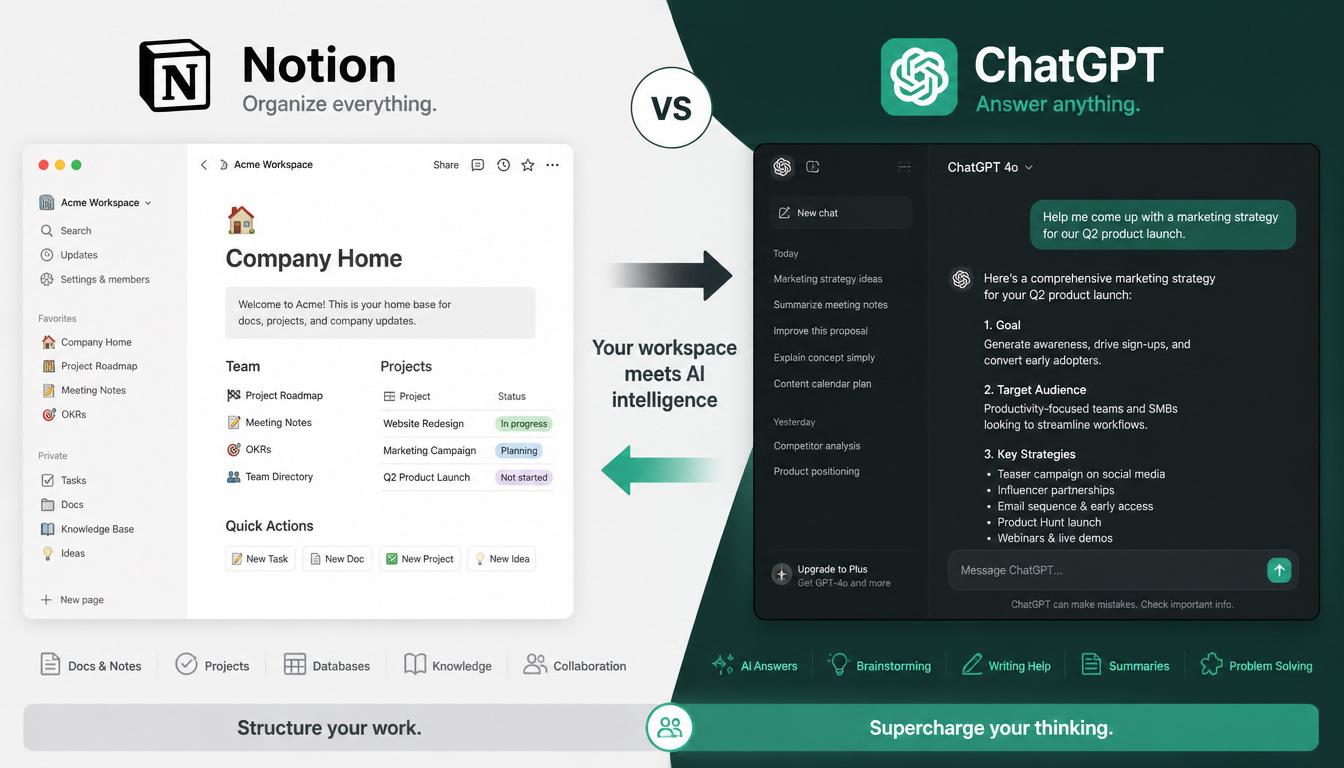
Last month I did something stupid.
I cancelled my Notion subscription. Deleted my Trello boards. Closed every single productivity app I had been using for two years. And I told myself I would replace Notion with ChatGPT for managing every project, every task, and every note for 30 days.
The plan was either I would prove that one AI tool could replace my whole stack, or I would crawl back to Notion in a week and write a different article.
It is now day 31. I am still here. Not because the experiment was a complete win. It was not. But because the parts that worked, worked way better than I expected. And the parts that failed taught me something I would not have learned any other way.
This article is the honest breakdown of my attempt to replace Notion with ChatGPT. What I kept. What I gave up on. And the four prompts I now use every day to actually replace Notion with ChatGPT for the workflows that matter.
Why I Decided to Replace Notion with ChatGPT
I had a problem most freelancers know well. Tool fatigue.
Notion for documentation. Trello for task boards. Google Docs for client deliverables. Apple Notes for random thoughts. Calendar for deadlines. Each tool was fine alone. Together, they were exhausting.
Every morning I was opening five different apps to figure out what I was supposed to be working on. My brain was a switchboard, and the switching was the actual work.
Then I read a Medium post about a guy who claimed he replaced Notion, Google Docs, Grammarly, Trello, and Canva with just ChatGPT Pro. I thought it was clickbait. But it stayed with me. Could one tool really do that much?
So I tested it. Not as theory. As my actual real freelance workflow for 30 days.

The Setup
Before I started the experiment to replace Notion with ChatGPT, I gave it context. This was the first mistake everyone makes. They open ChatGPT and start asking random questions like it knows their life.
It does not. You have to tell it.
I pasted this into a single message and saved the conversation as my main workspace:
I am about to replace Notion with ChatGPT as my primary workspace
for project management and notes for the next 30 days. Here is what you
need to know about my work.

I run a freelance business. I have between 3 and 5 active
clients at any time. I write content, manage projects, and
handle client communication.

I will use this conversation as my central hub. I will paste
in tasks, ideas, deadlines, and questions. I want you to
help me organize, prioritize, and remember things.

When I ask "what do I have today" you should treat my recent
messages as my project context and respond accordingly.

Always default to short, scannable replies. Bullet points
when listing tasks. Plain prose when explaining ideas.
That single setup message changed everything. Suddenly ChatGPT was not a chatbot. It was a coworker who knew the basics of my job.
What Worked Surprisingly Well
I expected the attempt to replace Notion with ChatGPT to fail fast. Surprise number one was how much of my old workflow it absorbed without breaking a sweat.
Task Management
On day three of trying to replace Notion with ChatGPT, I stopped using Trello entirely.
Instead, every morning I started a fresh ChatGPT conversation and pasted in my day. Things like:
Today I have:
- Client A revision due by 4pm
- Client B kickoff call at 11am
- Draft for Client C blog post (2000 words)
- Pay quarterly tax (urgent)
- Reply to Sarah about pricing

Help me sequence these and tell me what I should do first.
ChatGPT responded with an order, time estimates, and warnings about which tasks were riskier to delay. Better than any Trello board I ever made because Trello cannot reason. It can only display.
The unexpected bonus was the conversation itself became my record. At the end of the day I had a complete log of what I planned and what I finished. No separate logging step.
If you want to take this further and stop manually doing the planning prompts altogether, the AI agents for freelancers workflow shows how to build a Weekly Planning Agent that builds your day automatically every Sunday night.
Note Capture
Used to be my notes lived in three places. Apple Notes for quick stuff. Notion for project research. Random Google Doc tabs that I never closed.
Now everything goes into one running ChatGPT conversation per client. The trick is asking ChatGPT to organize as you dump.
I am pasting raw notes from my client call. Please:
- Pull out action items separately at the top
- Group related ideas
- Flag anything that sounded unclear or contradictory
- Keep my original wording where useful, do not paraphrase
  everything

Notes:
[paste]
What used to be 20 minutes of cleaning up after a meeting became 90 seconds of pasting and reviewing the output.
Quick Decisions
This was the most surprising win. I used to spiral over small decisions. Should I use this headline or that one. Is my quote too high. Does this email sound rude.
I started asking ChatGPT to play devil’s advocate on every small decision. Not for the answer. For the second opinion.
I am about to send this quote to a client: [$X for Y project].
Argue both sides:
- Why this price is too high for what they probably expect
- Why this price is too low for the actual scope
End with: which side has the stronger argument?
Five seconds of input. Five seconds of output. Suddenly the decision is easier because someone else has stress-tested it.
This same second-opinion approach works brilliantly for client communication. I covered it in detail when I broke down how I cut my client email time by 70 percent using Claude, where the right prompt turns a 30-minute email into a 3-minute one.
What Broke
It was not all wins. Three things failed hard enough to mention.
Long-Term Knowledge Storage
When you replace Notion with ChatGPT, the biggest gap shows up here. ChatGPT has memory now, but it is not the same as a real database. When I needed to find a note from three weeks ago, I could not search by tag or date the way Notion lets you. I had to scroll through old chats hoping to find the keyword.
By week three I started keeping a single Google Doc just for stuff I knew I would need to find later. Not Notion. Just a basic Doc with sections. ChatGPT for daily work, Google Doc for archive.
That hybrid is what I still use now.
Visual Boards
Some workflows are just easier to see than read. A client pipeline with stages. A content calendar across a month. ChatGPT can describe these in text, but it cannot make them feel real the way a board does.
I tried for two weeks to make ChatGPT replace my Kanban view. It never quite landed. If your brain is wired to think visually about projects, you will probably keep a board somewhere. Trello free tier is fine for this.
Anything Time-Sensitive
ChatGPT does not have notifications. It does not ping you at 2pm to say “you said you would call the client now.” If you live by reminders, you still need a separate reminders app. iPhone Reminders, Google Calendar, whatever you already use.
This was the hardest one to accept. I kept thinking I could ask ChatGPT to remember to remind me. It cannot. Notifications are not its job.
The 4 Prompts I Now Use Every Day
After 30 days trying to replace Notion with ChatGPT, my workflow settled into four prompts I run constantly. These are the ones that earned permanent space.
Prompt 1: The Morning Plan
Here is what is on my plate today:

[Paste tasks, meetings, deadlines]

Help me:
1. Sort these by urgency vs importance
2. Tell me which one to do FIRST and why
3. Flag anything I should delegate, postpone, or kill
4. Keep your response under 150 words
I run this every morning before checking email. Sets the tone for the entire day.
Prompt 2: The Project Status Generator
A client just asked me for a status update on [project name].
Here is everything I have done so far:

[Paste your notes, drafts, completed work]

Write a status update that:
- Sounds professional but not stiff
- Highlights what is done
- Honestly mentions what is still pending
- Ends with one specific next step or question for them
- Stays under 120 words
Saves me 15 to 20 minutes per status update. And the updates I send now are way clearer than the ones I used to write tired at 6pm.
If you handle 3 or more clients and status updates are eating your Fridays, the AI for freelance client management breakdown has 6 specific workflows that scale this prompt across multiple clients at once.
Prompt 3: The Decision Lens
I need to make a decision. Here it is:

[State the decision in one sentence]

Walk me through it like a coach:
1. What is the obvious choice and why?
2. What is the non-obvious option I might be missing?
3. What is the real risk of getting this wrong?
4. What would you do if it was your call?

Be direct. No fluff.
Used to take me an hour of overthinking. Now it takes three minutes.
Prompt 4: The End-of-Day Wrap
Today I worked on these things:

[List what you did, even rough]

Help me:
1. Summarize what I actually completed
2. Carry over what did not get done into tomorrow
3. Note any followups I committed to that I need to remember
4. End with one question I should sleep on
This one was the surprise hit. Doing it for 30 days made me realize how much I used to lose between days. Now nothing falls through the cracks.

What I Replaced With ChatGPT (And What I Did Not)
To save you the suspense, here is the honest scorecard.
Fully replaced:
- Trello (task boards)
- Random sticky note apps
- Half of my Google Docs scratchpads
- My “thinking out loud” tool
The pattern here is that the boring, repetitive parts of my workflow were the easiest to hand off to AI. If you are still doing a lot of admin manually, you might recognize yourself in my breakdown of the 7 boring freelance tasks you can fully automate with AI in 2026.
Partially replaced:
- Notion (kept it for one purpose, see below)
- My calendar (still use it for actual scheduled events, not as a to-do)
Did not replace at all:
- Calendar reminders and notifications
- Anything visual like Kanban or pipeline views
- Long-term searchable knowledge storage
What I Use Now
After the experiment, I did not go back to my old five-app setup. But I did not stay on pure ChatGPT either. Here is what stuck:
- ChatGPT for daily planning, notes, status updates, decisions, drafts
- Google Doc (one single doc) for archived stuff I want to find later
- Calendar for scheduled events and time-based reminders
- Trello but only one board for a visual client pipeline
That is it. Down from five tools to two and a half. About 60 percent reduction in tool switching.
For me, the decision to replace Notion with ChatGPT was less about replacing one tool with another and more about finally cutting the friction between thinking and doing.
Should You Try This?
Probably yes. If you are even considering whether to replace Notion with ChatGPT, that itself is a signal. But do not do the extreme version I did.
Start smaller. Pick one tool you currently use and try replacing just that one with ChatGPT for two weeks. Most people should start with task lists. They are the easiest to migrate and you will feel the difference fast.
If that works, expand from there. Maybe try notes next. Then decisions.
And if part of your day is client outreach, the same incremental approach works for cold emails too. I tested it on freelance proposals first and shared the exact prompts in my guide on how to use ChatGPT to write freelance proposals that actually get replies.
The mistake is doing what I did and burning everything down at once. You will scramble for the first week and that scramble might make you quit before you find the workflow that actually fits you.
One Thing I Wish I Had Known Earlier
The biggest unlock from this whole experiment was not finding the perfect tool.
It was realizing how much of my so-called productivity setup was actually procrastination dressed up. I had spent months building Notion databases. Configuring Trello automation. Watching YouTube videos about workflow optimization.
This pattern of over-tooling and under-doing is part of why so many freelancers feel exposed when AI gets better. The deeper strategic shift is covered in how freelancers can beat AI, which goes beyond tool choice into the positioning moves that actually matter in 2026.
None of it made me more productive. It made me feel productive while I was not actually working.
ChatGPT works for me now because it forces me to talk about what I actually need to do. There is nowhere to hide behind setup. You either have a task to work on or you do not.
If your current productivity stack feels like a job inside your job, the urge to replace Notion with ChatGPT is a signal, not just a tool decision. It is not a tool problem at all. It is a signal.
Strip it down. Try the simplest possible setup you can survive on. Whether you fully replace Notion with ChatGPT or just trim one app from your stack, you will probably discover, like I did, that you were over-tooling and under-doing.
That is the whole insight.