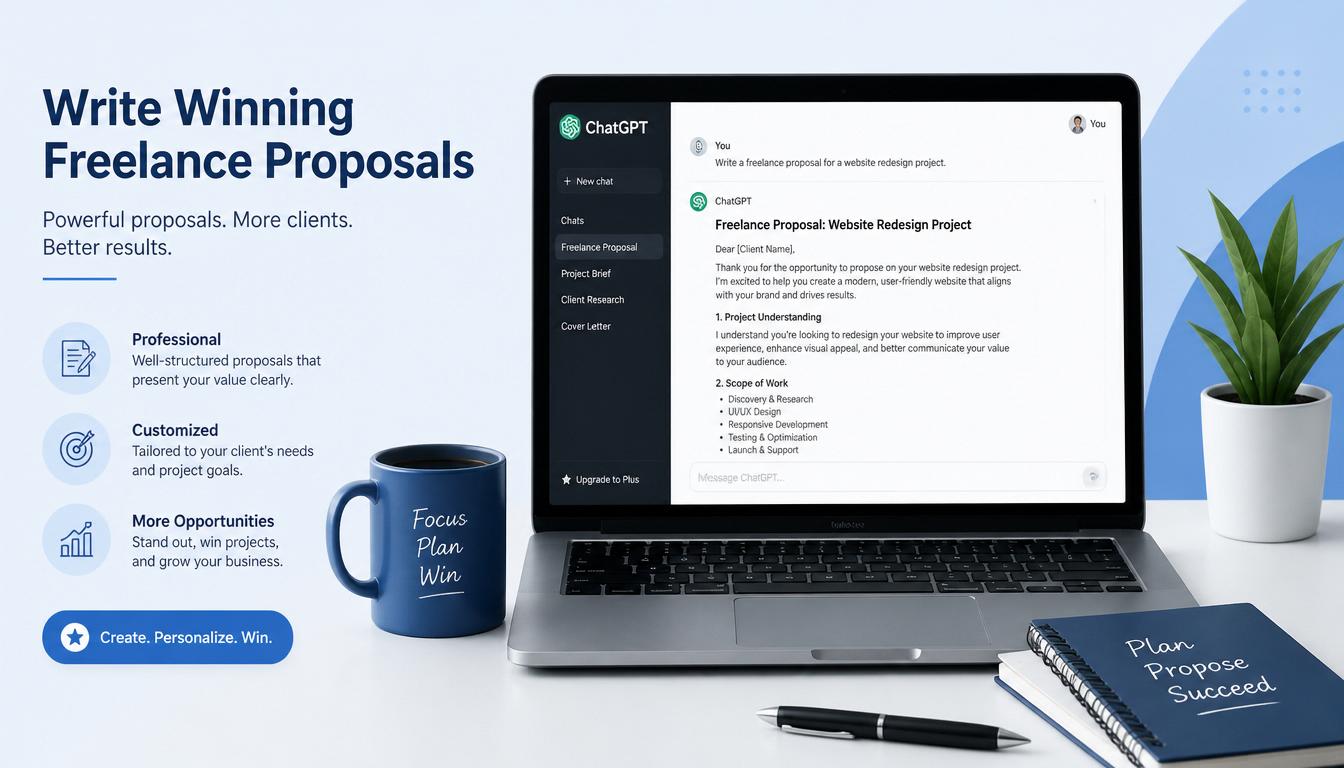
Using ChatGPT for freelance proposals is one of the smartest moves you can make as a solo worker in 2026. Most freelancers send proposal after proposal and hear nothing back. Not because they lack skills. Not because the client went with someone cheaper. But because the proposal itself gave the client no reason to stop scrolling.
These ChatGPT freelance proposals tips work across Upwork, Fiverr, and direct client outreach.

Here is the uncomfortable truth: clients on Upwork, Fiverr, and Freelancer.com receive dozens of proposals within the first hour of posting a job. Most of those proposals open with something like “Hi, I read your job post carefully and I think I would be a great fit.” The client has read that sentence so many times it has become invisible.
ChatGPT will not magically fix a bad proposal strategy. But when you use it the right way, it helps you write something that actually sounds like a human being who read the job post and thought about the client’s problem. That is the part that gets replies.
This guide shows you exactly how to do that, step by step, with 7 real prompts you can copy and use today.
Why Most Freelance Proposals Fail
Before we get into the ChatGPT prompts for freelance proposals, it helps to understand what goes wrong.
The biggest mistake freelancers make is writing proposals about themselves. Their skills, their experience, their portfolio. Clients do not care about any of that until they believe you understand their problem first.
Think about it from the client’s side. They posted a job because they have something they need done and they do not want to deal with it. They are not looking for the most impressive resume. They are looking for the person who makes them feel like hiring them will solve their problem with the least friction.
If you are completely new to freelancing and have not landed your first paying client yet, start with our complete guide on how to land your first freelance client using AI before diving into proposal optimization.
The second biggest mistake is copy-pasting the same proposal to every job. Clients can tell. Experienced clients can tell within the first sentence. Even newer clients get a feeling that something is off when the proposal reads like it could have been written for anyone.
ChatGPT fixes both of these problems when you prompt it correctly.
What You Need Before You Start
You do not need a paid ChatGPT subscription to use this method. The free version at chat.openai.com works fine for proposal writing. You will need:
- A ChatGPT account (free)
- The full text of the job post you are applying to
- Two or three sentences about your relevant experience or skills
- Five minutes per proposal
Once you start landing more clients with this proposal method, you will need a faster way to handle the billing. Read our guide on how to use ChatGPT for freelance invoicing to save another 4 hours every
week on admin work.
That is it. No special tools. No expensive subscriptions.
How ChatGPT Makes Freelance Proposals Better
Most people use ChatGPT for freelance proposals the wrong way. They type something like “write me a freelance proposal for a logo design job” and then wonder why the output sounds generic.
The reason it sounds generic is because you gave it nothing to work with. ChatGPT can only be as specific as the information you feed it.
The right approach is to give ChatGPT three things before asking it to write anything:
First, the actual job post text. Second, your relevant background in two or three sentences. Third, clear instructions on tone and length.
When you do this, the output shifts from generic to genuinely useful. Not perfect, but a strong first draft you can edit in five minutes rather than starting from scratch.
7 ChatGPT Prompts for Freelance Proposals That Work
Here are the seven prompts. Each one solves a specific part of the proposal process.
Prompt 1: Understand the client before writing anything
Start a new chat in ChatGPT. Paste the full job post and say:
“Read this job post carefully. Do not write anything yet. Just tell me what the client’s main problem is, what they seem to value most, and what tone they are using.”
This takes thirty seconds but changes everything. ChatGPT picks up on urgency, budget sensitivity, and whether the client sounds experienced or new. Read the summary it gives you. Adjust if needed. Then move to the next prompt.
Prompt 2: Write the full proposal
“Now write a freelance proposal for this job. Follow these rules: Open with one sentence that references something specific from the job post, not a generic greeting. Do not start with I and do not start with Hi. Address the client’s main problem in the first two sentences. Briefly mention my relevant experience: [paste your two or three sentences here]. Keep the whole proposal under 200 words. End with one specific question that shows I have actually thought about their project. Sound like a real person, not a corporate email.”
Prompt 3: Generate strong opening lines
The opening line is everything. Use this prompt to get options:
“Write five different opening lines for a freelance proposal for this job. Each one should reference something specific from the job description. None of them should start with I or Hi or mention my name. Make them direct, confident, and relevant to the client’s problem.”
Pick the one that feels most natural and build the rest of the proposal around it.
Prompt 4: Write a follow-up message after no reply
“Write a short follow-up message to a client I sent a proposal to three days ago. Do not beg. Be friendly and assume they are just busy. Remind them of the main value I offered and ask if they have any questions. Under 75 words.”
Follow-up emails are one part of the client communication puzzle. If you handle a lot of ongoing client emails, Claude is actually stronger than ChatGPT for that specific task. Our guide on using Claude AI for client emails covers 6 proven prompts that save hours. For cold outreach specifically, the 9 proven AI cold email templates for freelancers get reply rates as high as 25 percent.
Prompt 5: Respond to a client asking your rate
“A client asked for my rate for [describe the project]. Write a confident, friendly response that gives my rate of [your rate] and briefly explains what that includes. Do not apologize for the price. Under 100 words.”
Setting the right rate is a separate skill from delivering it confidently. Use the ChatGPT for freelance pricing guide to figure out exactly what to charge before you respond to rate questions.
Prompt 6: Handle a lowball offer
“A client offered me [low amount] for a project I quoted at [your amount]. Write a polite response that holds my price, explains the value briefly, and leaves the door open if they want to proceed. Do not sound desperate or defensive.”
Closing projects well leads to repeat clients and referrals. If you want to take this further, we have a complete guide on 7 boring freelance tasks you can fully automate with AI in 2026 that covers the rest of your workflow.
Prompt 7: Close a project professionally
“Write a closing message to a client at the end of a successful project. Thank them, summarize what was delivered, and leave the door open for future work without being pushy. Under 100 words.”
Can I Use ChatGPT to Write Upwork Proposals?
Yes, and it works surprisingly well. Paste the job post into ChatGPT, give it your background
in two sentences, and use Prompt 2 from this guide. The output beats 90% of proposals clients
receive on Upwork daily.
Real Examples: Before and After Using ChatGPT Freelance Proposals
Here is what a typical proposal looks like before using this method:
“Hi, my name is [Name] and I am a freelance writer with five years of experience. I read your job post carefully and I think I would be a great fit for this project. I have worked with many clients in similar industries and I am confident I can deliver high quality work on time. Please check my portfolio and let me know if you would like to discuss further.”
Here is what the same proposal looks like after using the prompts above:
“Three weeks ago I helped a SaaS company cut their onboarding email sequence from eleven steps to five without losing a single conversion point. Reading your post, it sounds like you are dealing with something similar. The content is there, it just needs organizing in a way that actually moves people through the funnel. I would handle the audit and restructure. Quick question before I send a full outline: are you starting from existing copy or building this from scratch?”
The second one gets replies. The first one gets ignored. The difference is not talent. It is focus.
How to Edit ChatGPT Output Before Sending
This step is not optional.
Read the proposal out loud. If any sentence sounds like something a robot would say, rewrite it. Common phrases to remove:
- “I am passionate about”
- “I think I would be a great fit”
- “I have extensive experience in”
- “Please feel free to reach out”
- “I look forward to hearing from you”
Replace them with something you would actually say to a person. Also add one detail that ChatGPT could not have known. Something specific to you or something you noticed in the job post that others might have missed. One sentence of genuine human observation makes the whole thing feel real.
What ChatGPT Cannot Do For You
It is worth being honest about the limits here.
ChatGPT cannot replace genuine skill. If a client hires you based on a great proposal and the work does not deliver, no amount of AI-assisted communication fixes that. The proposal gets you in the door. Your work keeps you there.
It also cannot read every client perfectly. Sometimes the output misses the tone entirely. That is why the editing step matters. You bring the judgment. ChatGPT brings the speed.
And it cannot make up relevant experience you do not have. If a job requires five years of a specific skill and you are just starting out, a better proposal is not going to close that gap. Apply to jobs where you can genuinely deliver and use ChatGPT to communicate that value clearly.
A Simple Workflow to Follow Every Time
Here is the full process in one place:
- Find a job post you want to apply to
- Paste it into ChatGPT and use Prompt 1 to understand the client
- Use Prompt 2 to write the draft proposal
- Use Prompt 3 if you need a stronger opening line
- Read the output out loud and remove anything robotic
- Add one human detail only you would know
- Send it
The whole process takes about ten minutes per proposal when you are new to it. After a week of practice you will get it down to five.
Final Thought
The freelancers getting consistent replies in 2026 are not necessarily the most talented ones. They are the ones who communicate well, respond fast, and make clients feel understood before the project even starts.
These 7 ChatGPT prompts for freelance proposals help you do exactly that. Not by replacing your voice, but by giving you a strong starting point so you spend less time staring at a blank page and more time actually working.
Start with your next proposal. Use the prompts above. Edit until it sounds like you. Send it.
That is the whole game.
Are ChatGPT Freelance Proposals Free to Create?
Completely free. The free version of ChatGPT at chat.openai.com handles everything in this guide
without needing a paid subscription. You only need an account, which takes two minutes to create.
Want to know more about who runs this site? Check out the About page.
For more AI workflow guides, check out how to replace your project management app with ChatGPT for a faster solo workflow.